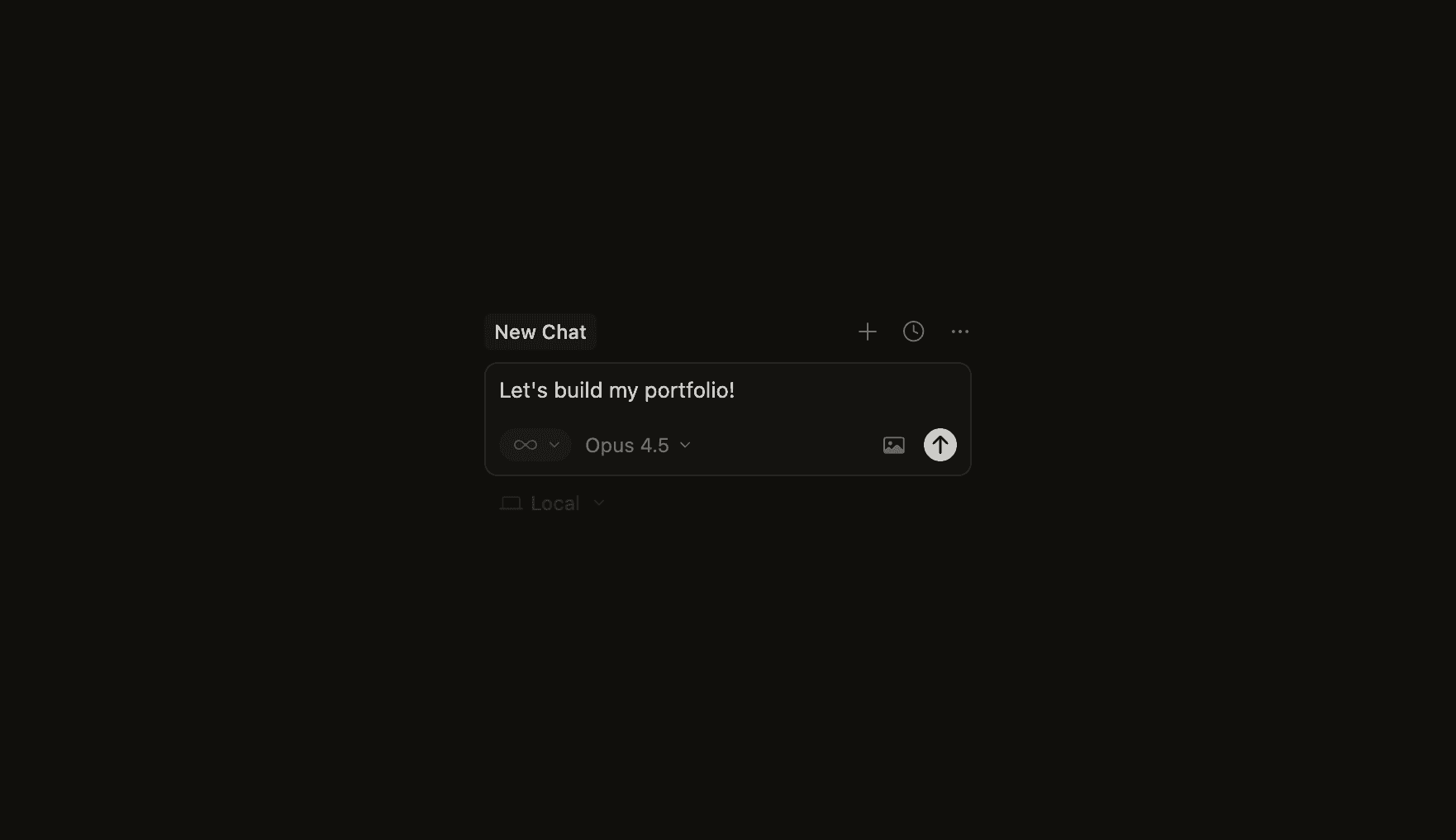
Portfolio Rebuild — learning AI-assisted workflows through a custom system
2025
TL;DR
I designed and shipped my portfolio as a fully custom system, using visual design and AI-assisted workflows to translate designs into working code.
Context
I wanted a custom portfolio built from scratch, without templates. At the same time, I wanted to understand how AI-assisted workflows actually behave when turning design intent into working interfaces.
Instead of treating AI as a shortcut, I used the portfolio as a playground.
Starting with design
I began in Figma and designed the portfolio first, without worrying about implementation. I focused on layout, hierarchy, pacing, and how long-form case studies should read.
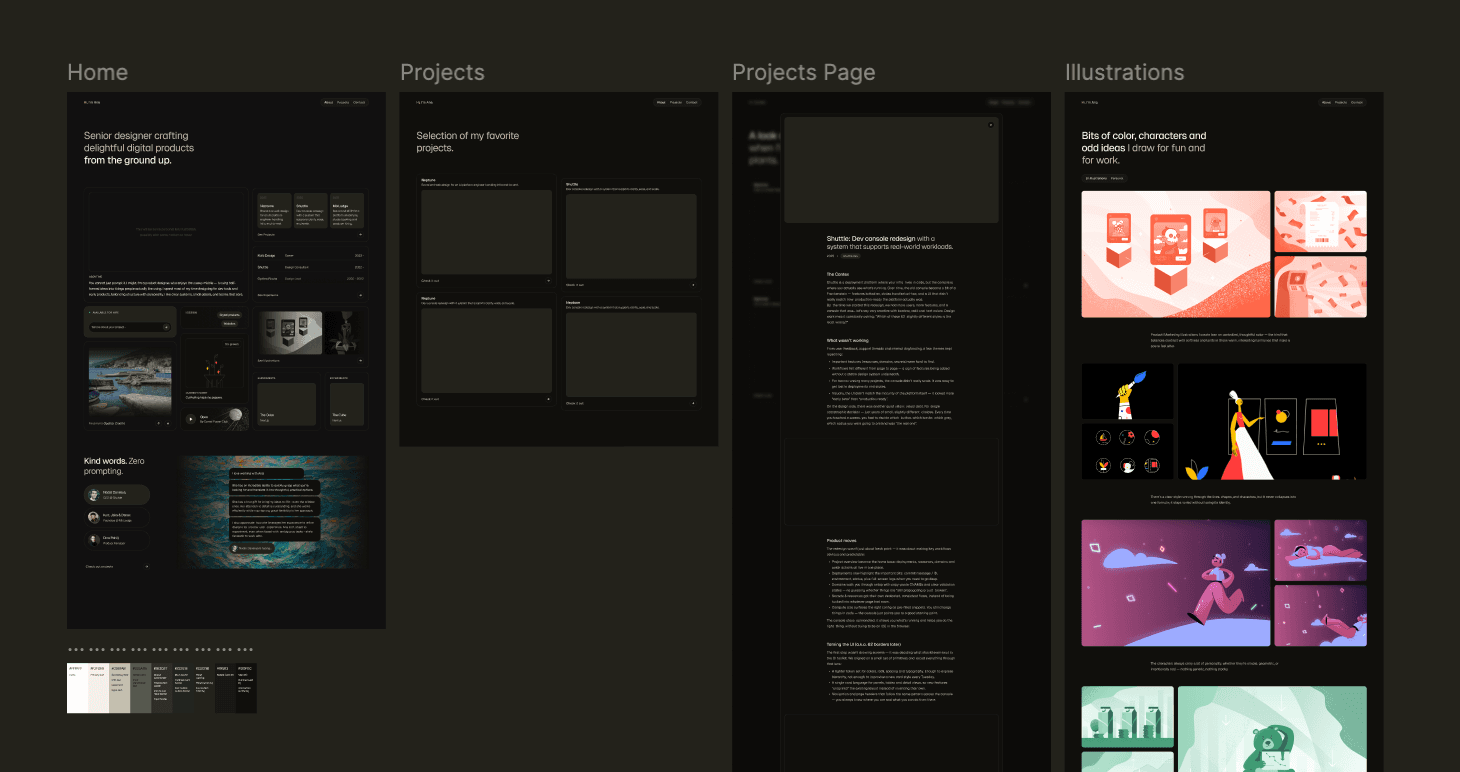
From the start, I defined a small design language and a design system page so both the site and the agents had a shared point of reference.
Early experiments with AI
At first, I took the most obvious route: experimenting directly through conversational AI. Long chats, small isolated tests, and quick experiments in CodeSandbox helped me explore ideas fast.
This worked for quick tests, but it did not scale. Context was easy to lose, changes broke earlier logic, and a lot of time went into re-explaining intent and fixing things that had already worked.
Moving to a real workflow
Switching to a proper setup changed the process completely.
Using Cursor with a GitHub repository and Vercel introduced structure. Agents had file-level context. Changes were scoped. Pull requests made iteration safer. Refactors became possible instead of risky.
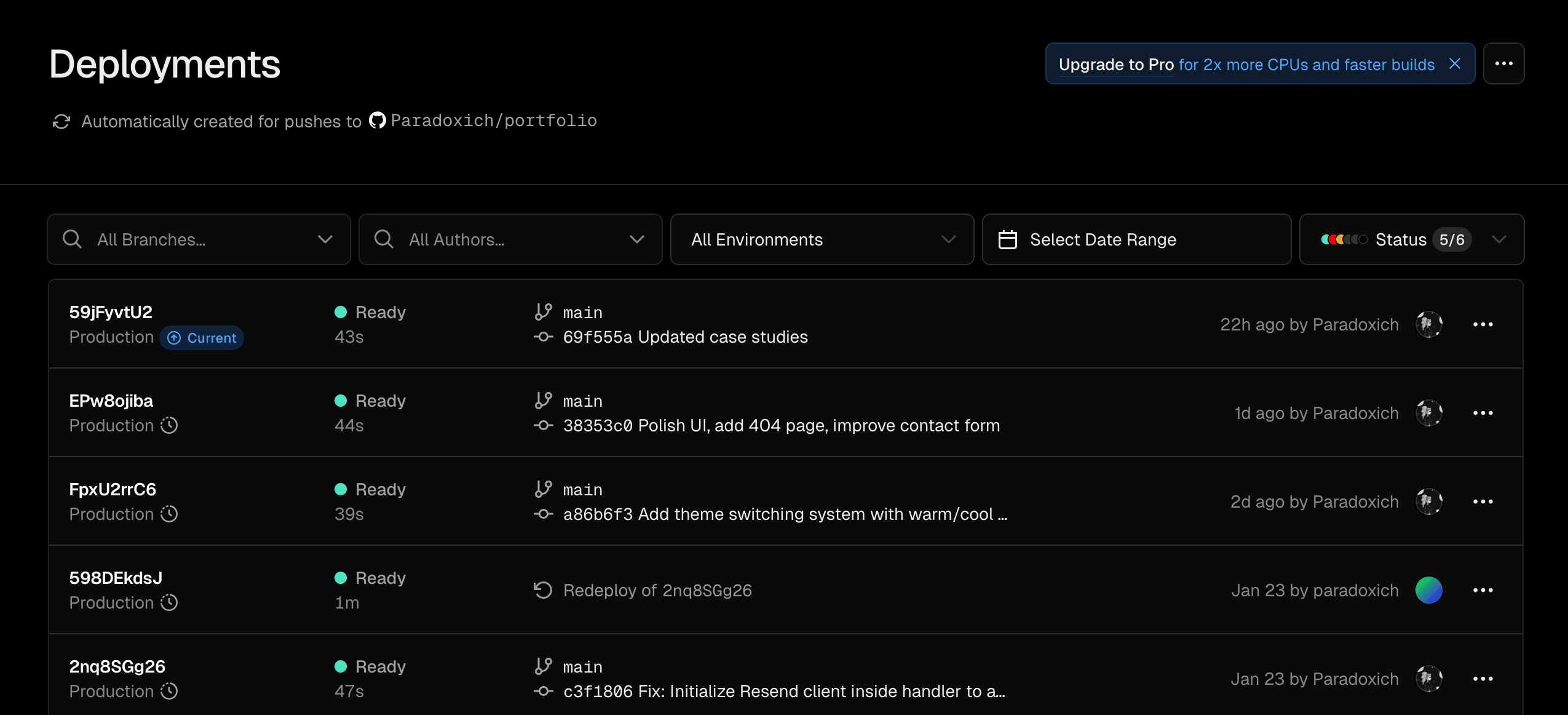
This was the point where the work stopped feeling fragile and started feeling maintainable.
Working with AI in practice
AI still generated much of the raw output, but the way I worked with it changed. Instead of long conversations, I worked directly with files, diffs, and focused edits.
I became more deliberate about where AI helped and where it was faster to make changes manually. This balance mattered, especially when working on custom interactions, where iteration speed and token usage become real constraints.
A system that could grow
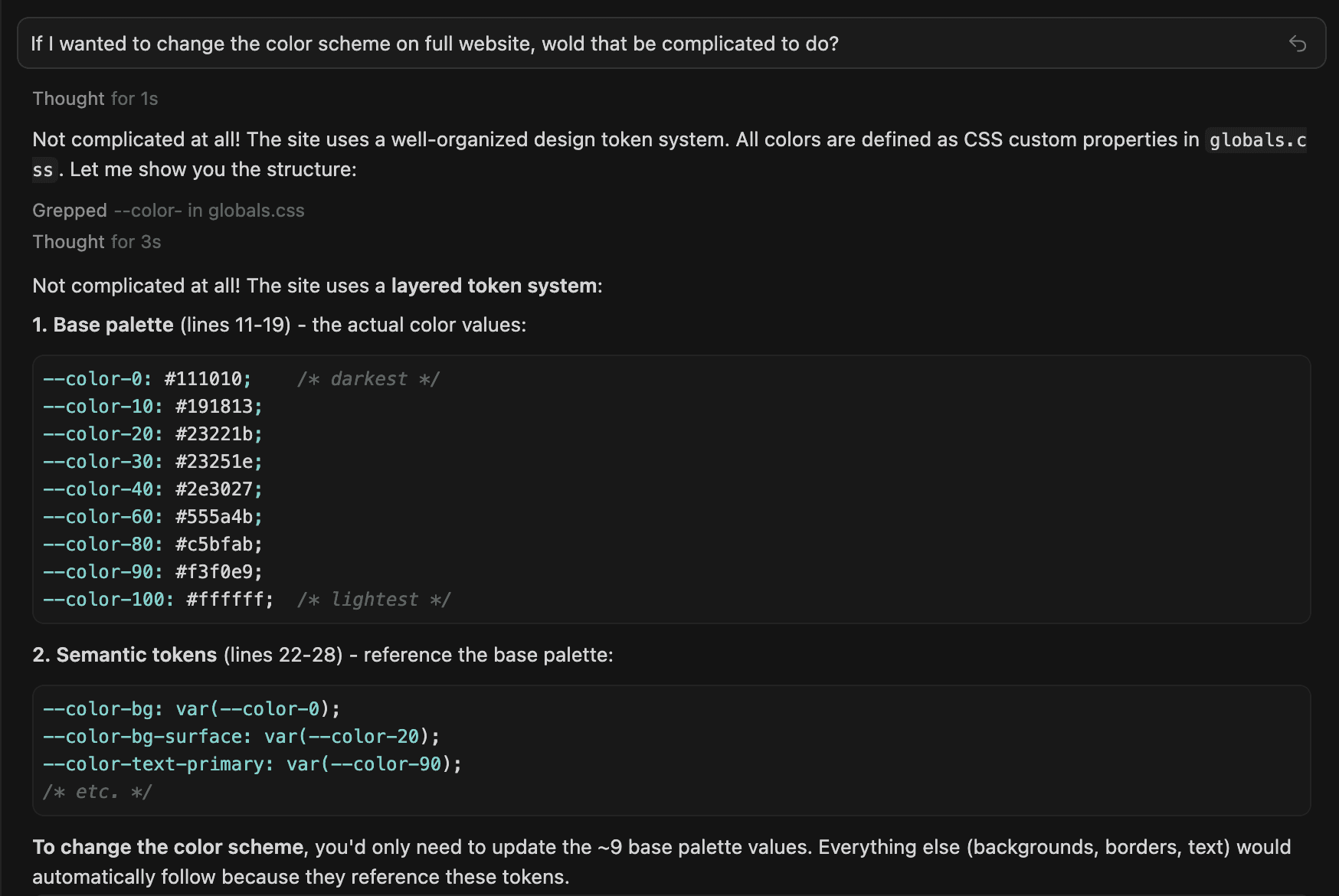
Because the design language and system page existed from the start, changes could build on what was already there.
Theming, custom components for case studies, and layout refinements could be added without rewriting large parts of the site. Design and implementation stayed aligned as the project evolved.
Outcome
The result is a portfolio that behaves like a real system rather than a static showcase.
More importantly, it gave me a clearer sense of what it actually takes to work with AI tools without losing structure, intent, or control along the way.
Built with
Design and layout in Figma
Implementation using React, Next.js, Tailwind, and Framer Motion
AI-assisted workflows using Cursor, GitHub, and Vercel